




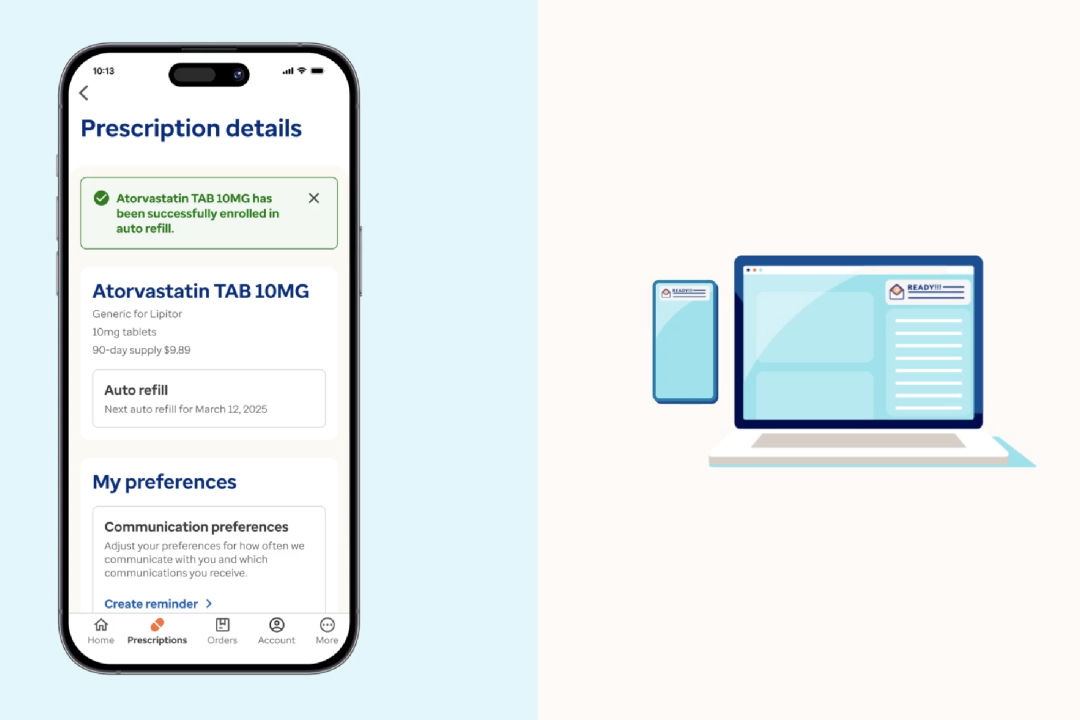
Step-by-step guide to enroll your prescriptions
If your prescription is eligible for auto refill, follow these steps to enroll.

Sign in
Use your HealthSafe ID® to sign in to your account. Then, select Prescriptions from the navigation menu.

Select a medication
Choose an eligible medication from your active Optum prescriptions list. Then, go to Prescription details.

Schedule and confirm
Pick a refill date, review your shipping address and confirm your payment method. Then, select Enroll to complete.
What are the benefits of enrolling in an auto refill program?
Auto refills can make it easier to stay on track with your medication. Your prescriptions are refilled automatically and shipped to your home before you run out. You’ll get a reminder before each order, and your saved payment method is used. With a 3-month supply, you may be less likely to miss a dose.
How can I set up automatic refills?
Sign in to your account or in the Optum app to set up automatic refills. Go to your medication and choose the ones that are eligible for auto refill. Once you enroll, your prescriptions will be refilled automatically when it’s time.
What should I do if I need to modify or cancel my auto refill?
You can update or cancel your auto refills anytime. Sign in to your account and select the medication you want to change. You can edit, remove or update the delivery date. If your order is already processing, contact Optum Home Delivery Pharmacy for help.
How will I know it's time to refill my prescription?
When it's time to refill your prescriptions, we'll:
- Notify you that your order will ship soon
- Charge your approved payment method on file
- Deliver a 3-month supply to the address you provided
Other ways to get home delivery support
Register with HealthSafe ID
Manage auto refills
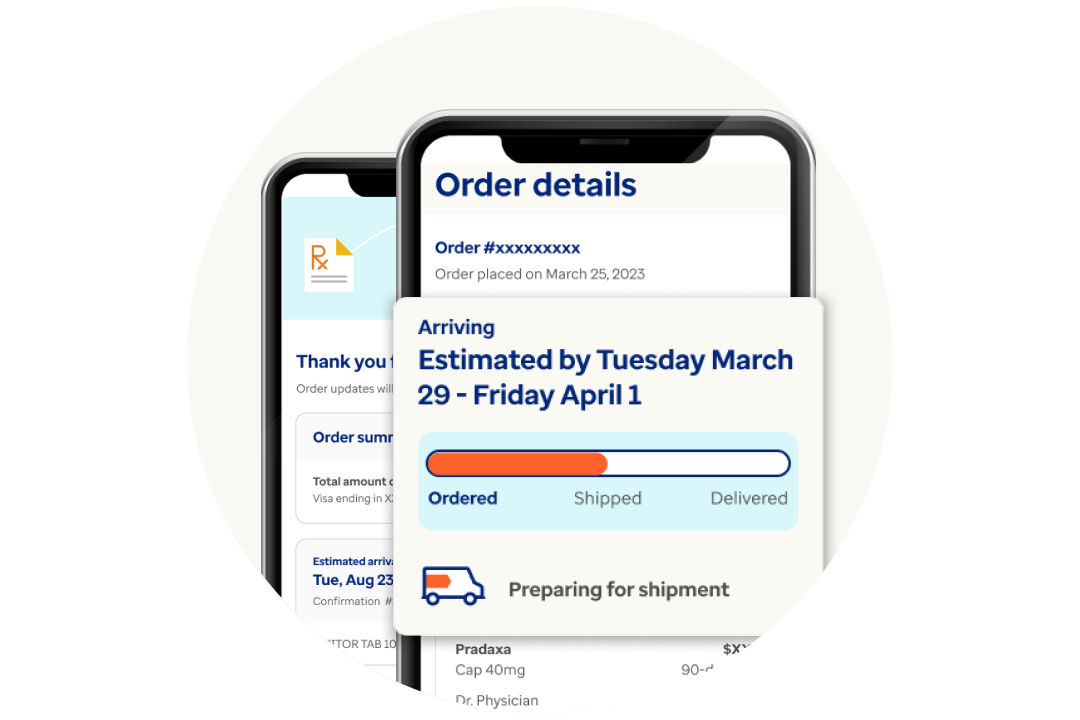
Track your prescription order
Understand refills and renewals
Optum on the go
Refill your prescriptions and track your orders anytime, anywhere. Download the app now on iOS or Android.
*The auto refill program is subject to state and federal requirements.