





How to edit your auto refill date
If you need to update your refill schedule, you can make changes before your order starts processing.

Sign in
Use your HealthSafe ID® to sign in to your account. Then, go to Prescriptions from the navigation menu.

Select a new refill date
Choose the medication from your Active Optum prescriptions list. Then, pick an available date from the Calendar that works for you.

Confirm and save
Review your shipping address, confirm your payment method and save your selections.
What else should I know about managing auto refills?
- If you need to adjust or cancel an order already in progress, contact Optum Home Delivery Pharmacy.
- The selected date is the processing date, not the delivery date.
- Expect delivery within 3 to 5 business days after processing unless otherwise noted.
What are the benefits of managing medication online?
Managing your medication online helps you stay organized. You can track orders, request refills and set reminders anytime. This makes it easier to know where your medications are and when they will arrive.
How can I manage multiple prescriptions effectively?
You can see all your medications in one place when you sign in. From there, you can check which ones are eligible for auto refill, update settings and track orders. Our digital tools help you easily schedule and manage refill dates, so you can coordinate when your medication arrives.
What if I am a patient in California?
If your primary address is in California, before enrolling you must read and accept the program’s terms of use. If you withdraw consent after enrolling, all enrolled medications will be removed from the auto refill program.
Other ways to get home delivery support
Register with HealthSafe ID
Enroll in auto refill
Track your prescription order
Understand refills and renewals
Optum on the go
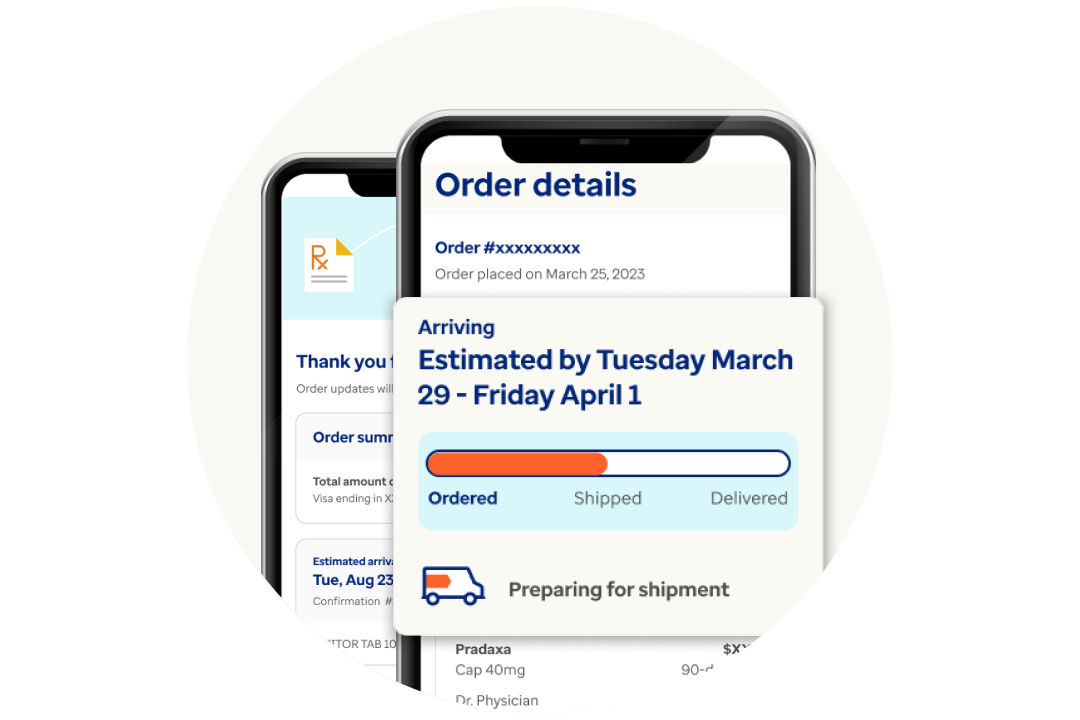
Refill your prescriptions and track your orders anytime, anywhere. Download the app now on iOS or Android.
*The auto refill program is subject to state and federal requirements.