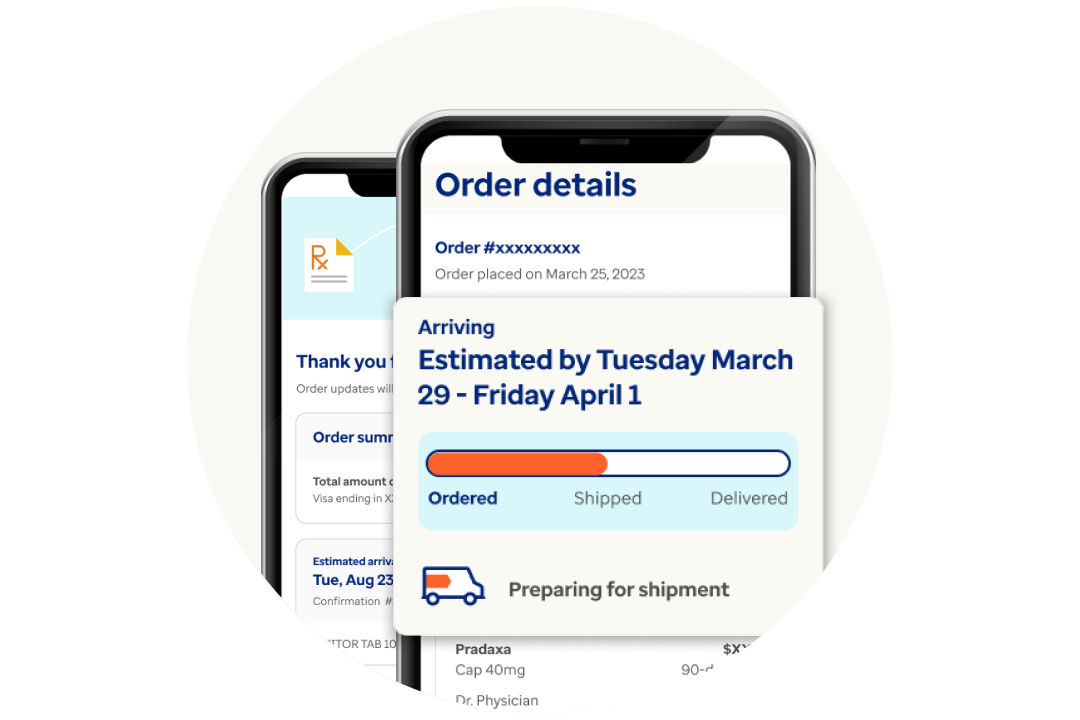




Monitor your prescription progress
Easily manage, refill or renew prescriptions and get alerts when action is needed.

Manage your prescriptions
You can fill, refill or renew prescriptions directly from the Prescription details page when you sign in.

Get prescription details
Each of your prescriptions will include details such as the drug name, form (liquid or tablet), dose and supply amount.

Check prescription status
Go to your Prescription details page to see if you're ready for a refill or a renewal.

Respond when notified
If action is needed, you’ll receive a notification asking you to respond.
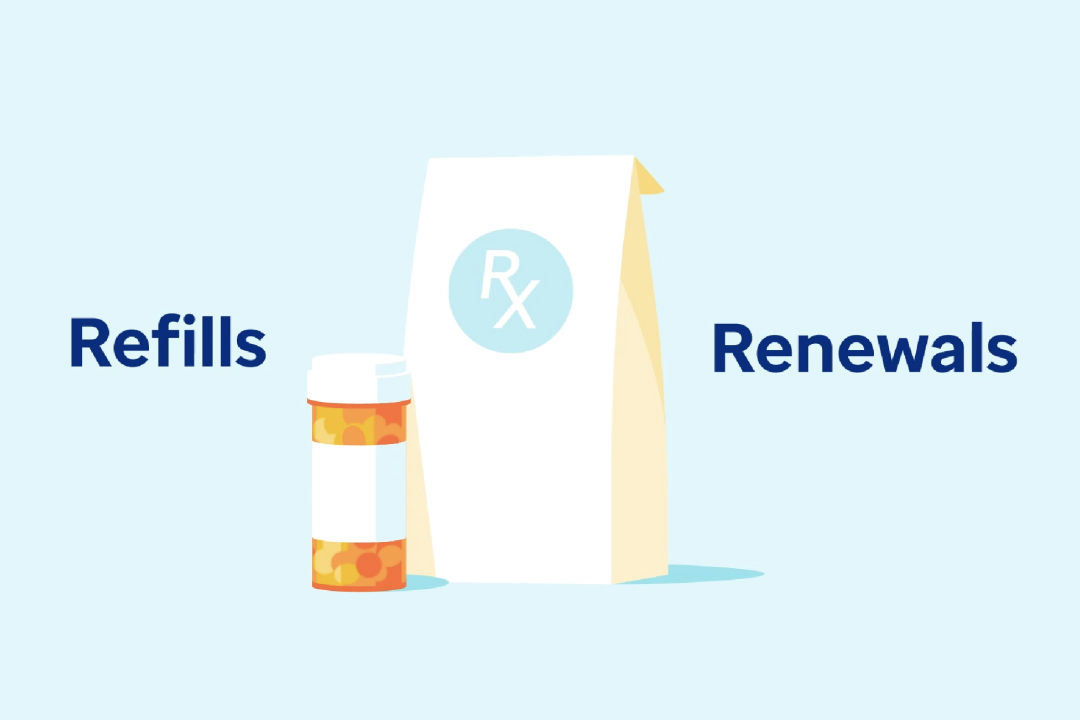
What is the difference between a prescription refill and a renewal?
- A prescription refill is when you get more of your medication using the refills your doctor has already approved.
- A prescription renewal is needed when you’ve used all your refills. Your doctor must send a new prescription so you can keep getting the medication.
How can I manage my prescriptions more effectively?
You can manage your prescriptions by signing in to your account and checking your prescription details. From there, you can see if a medication is ready for a refill or needs a renewal.
You can also use reminders and schedule or manage refill dates so your medications arrive when you need them.
What online services does Optum Home Delivery Pharmacy® offer for refills?
Our digital tools help you easily:
- Schedule and manage refill dates
- Set up auto refills for eligible medications
- Track your orders from your account
You can also see if your medication is ready for a refill and manage everything in one place.
How often should I communicate with my health care provider about prescriptions?
You should contact your health care provider when your prescription is out of refills and needs a renewal or if you have questions about your medication.
Our pharmacists are also available 24/7 to answer your medication questions and provide support with new medication, side effects or interactions.
Explore other resources
Register with HealthSafe ID
Enroll in auto refill
Manage auto refills
Track your prescription order
Optum on the go
Refill your prescriptions and track your orders anytime, anywhere. Download the app now on iOS or Android.