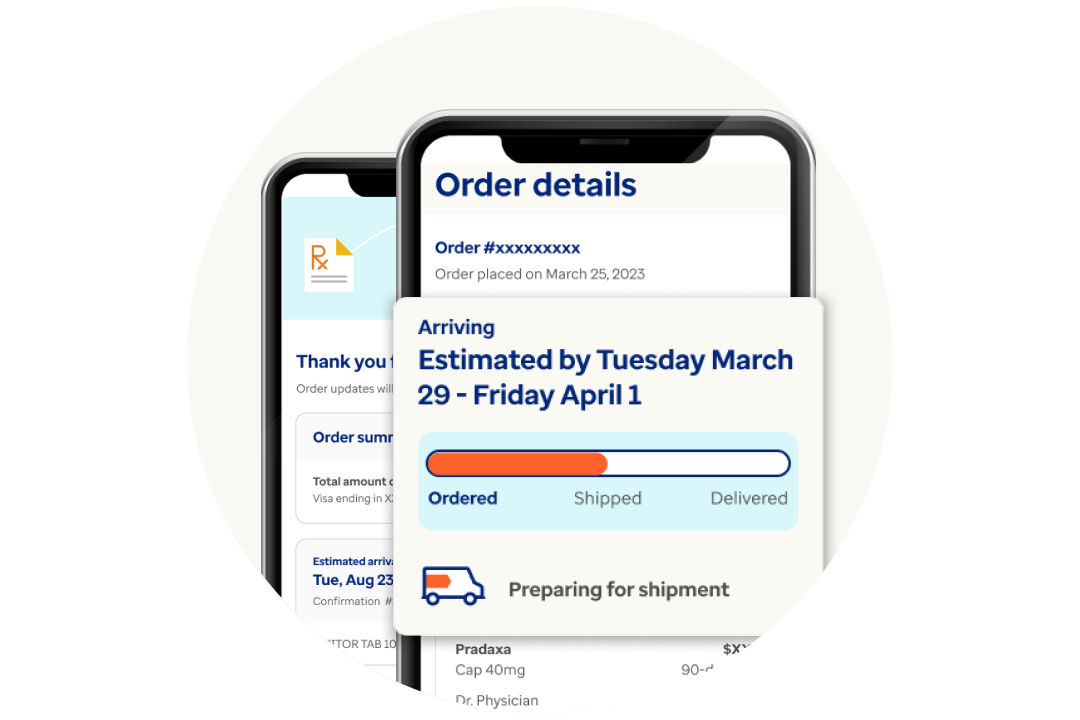




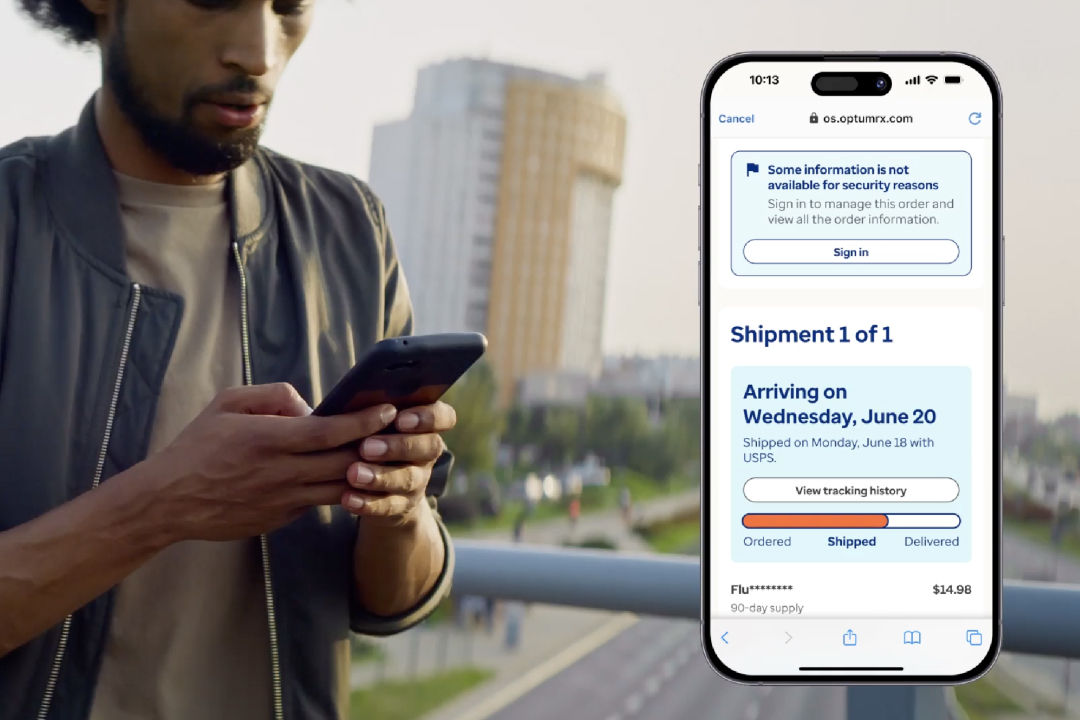
Track without signing in
- Go to optumrx.com and select Track your order.
- Enter the order number, patient’s last name, date of birth and zip code.
- Select Track order to check the status.
Track by signing in
You can also track your order by signing in to your account.
What are the different ways to track a prescription order?
You can track your prescription order in two simple ways. You can sign in to your account to view your order status, or you can track your order without signing in by entering your order details at optumrx.com. Both options let you check your order from the time it ships until it’s delivered.
What should I do if my order is delayed or canceled?
Check your order status in your account for updates. If you still need help, contact the pharmacy support team for assistance and next steps.
What resources are available for patients regarding prescription management?
Optum offers online tools to help you manage your prescriptions. You can track your order, refill or renew prescriptions, enroll in auto refill and manage your medications from your account or mobile app. You can also contact pharmacy support if you have questions.
Explore other resources
Register with HealthSafe ID
Understand refills and renewals
Enroll in auto refill
Manage auto refills
Optum on the go
Refill your prescriptions and track your orders anytime, anywhere. Download the app now on iOS or Android.